Ashes of Creation How to Link Steam Account
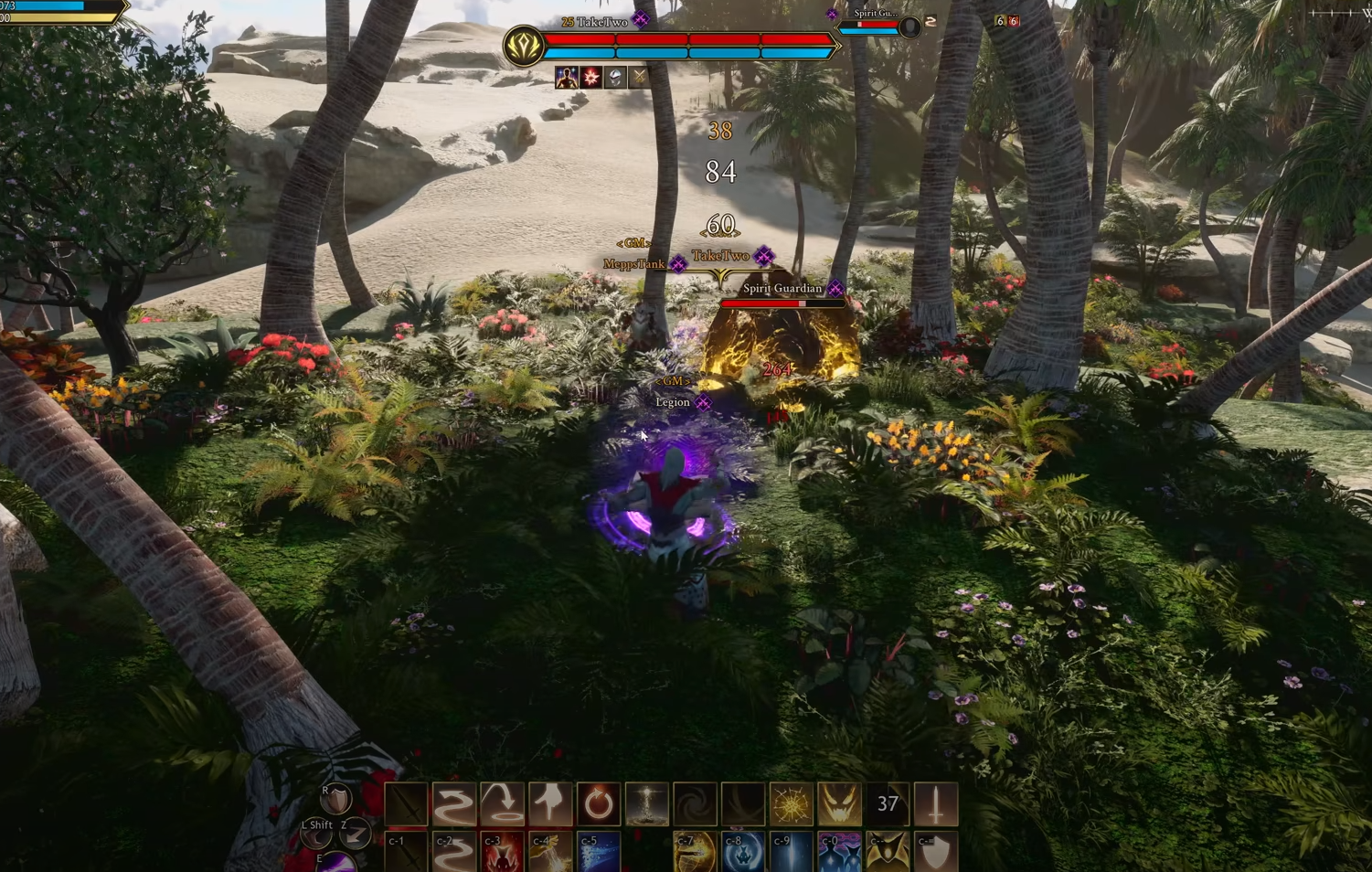
If you bought Ashes of Creation before it released on Steam, you’ll need to link your Intrepid and Steam accounts to start playing. It only takes a few minutes once the servers are stable.
Please note that there may currently be a bug causing an issue that will not allow you to currently link accounts.
How to Connect Your Accounts
To link your accounts correctly, follow these steps in order.
Log in to your Steam account through the official Steam website
Make sure it’s the correct Steam profile, because once linked, it cannot be undone
Go to the Ashes of Creation website and log in to your Intrepid account
Open your Account Dashboard and click Account Settings
Scroll down until you see the Account Connections section
Find the Steam Account option and select Connect
A Steam login page will open in a new window
Confirm that the displayed Steam username is correct and click Sign In
The site will show Processing Steam Connection, then Connection Successful
After that, Ashes of Creation will appear in your Steam Library
Once both accounts are linked, you can launch the game directly through Steam without needing the standalone launcher.
If Linking to Steam Not Working
Account linking can fail if Intrepid’s site is overloaded or if your browser cache is outdated. Try these quick fixes before contacting support.
Log out of both Steam and Intrepid, then log back in
Clear your browser cache and cookies, or use a private window
Make sure your Intrepid account shows your purchase under Account Inventory
Wait a few minutes between attempts, since failed links can take time to reset
If the Steam Account option still doesn’t show, open a support ticket with your purchase info
Important Things to Know
Once you connect both accounts, you can’t undo it. Steam will not display your access tier or bonus items, so always check your Intrepid Account Inventory for those details. Any future updates will automatically install through Steam after linking.
Final Blurb
Linking your Intrepid and Steam accounts is the final step before diving in. The system can act up when traffic is heavy, but once it goes through, you’re set for good. Double-check both accounts before confirming, then enjoy seeing Ashes of Creation pop up in your Steam Library.
FAQ
Do I need both accounts to play
Yes, you need both a Steam account and an Intrepid account linked together.
Can I unlink later
No, once linked, the connection is permanent.
What if I bought the game on Steam
Steam buyers link automatically when logging in for the first time.
Why can’t I see my rewards on Steam
Steam only shows the game, not rewards or access tiers. Check your Intrepid inventory.
My link keeps failing, what should I do
Wait a few minutes and retry, or clear cache and relog before trying again.
More Ashes of Creation