Plan B: Terraform Waste Disposal Guide
Stuck on waste disposal in Plan B: Terraform and not sure how to unlock it or make it work. Here is a clear walkthrough on when it appears, where to place it, and how to keep it running without clogging your city.
How to Unlock Waste Disposal
Keep following the objectives, grow your city, and the option will appear in Assembly Plants when the game is ready for it. If your city does not list Waste Disposal as a need, you do not need it yet.
How Waste Disposal Works
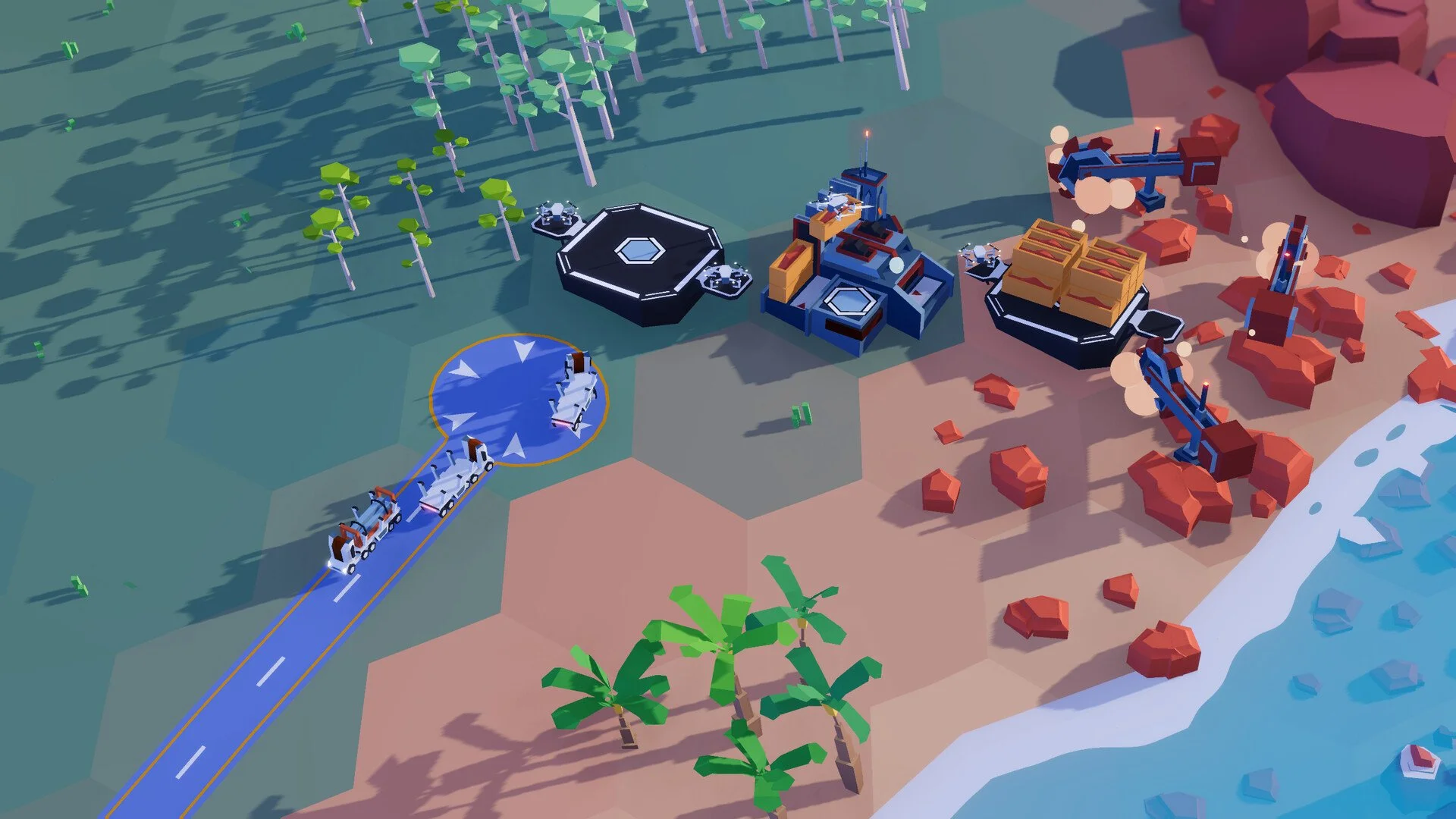
Place Waste Disposal next to an active city tile
Drop a Waste Disposal building beside an active city tile. Avoid abandoned or greyed tiles, those are not active. Click tiles to check their status.
Add a Depot for the waste type
Place a Depot next to the Waste Disposal and set it to the correct waste type, such as Metal Waste. The Depot must have room, or nothing will move.
Route to a Recycling Center and set the recipe
Send that waste to a Recycling Center. Set the Recycling Center to process the matching waste, for example Steel Bars for Metal Waste.
Keep both outputs moving
For metal waste, Recycling produces Steel Bars and Aluminum Bars together. If either output backs up, processing stops. Place Depots for both outputs and keep them emptying.
Waste Types and Outputs
Metal Waste to bars
Metal Waste turns into Steel Bars and Aluminum Bars. The process yields two Steel Bars and one Aluminum Bar for every three Metal Waste.
Plastic Waste to Polymer Bars
Plastic Waste appears later with bigger cities. It recycles into Polymer Bars.
Organic Waste to compost
Organic Waste needs Nitrogen to process into compost. Set the Recycling Center recipe and supply the Nitrogen.
Placement Rules and Active Tiles
Place Waste Disposal beside active city tiles so it links to the city. Inactive tiles do not count. Cities expand and contract over time, so check tile status before you place anything.
Troubleshooting Waste Disposal
If Waste Disposal is still red, ship the waste out, a full Waste Disposal counts as unserved.
If no waste appears, the city may be too small, grow the city until the need shows in the city panel.
If Recycling stops, one of the outputs is full, add Depots for both Steel Bars and Aluminum Bars.
If nothing moves, confirm the Depot is set to the correct waste type and has space.
If your city lists the need but you cannot build Waste Disposal, advance the objectives until it unlocks.
Final Blurb
Waste disposal is a late unlock tied to objectives and city size. Place the building next to active city tiles, pull waste into a Depot, feed a Recycling Center with the right recipe, and keep both outputs flowing so the line never stalls.
FAQ
How do I unlock Waste Disposal
Progress the objectives and let the city grow until the need appears, then the Assembly Plant recipe shows up.
Why is my Waste Disposal still red
You must remove waste from the site, if containers are not leaving, the need stays unserved.
Where exactly should I place Waste Disposal
Next to an active city tile, not beside abandoned or greyed tiles, click tiles to verify they are active.
How do I set up the first recycling loop
Waste Disposal, Depot set to Metal Waste, Recycling Center set to Steel Bars, Depots for Steel Bars and Aluminum Bars.
What outputs do I get from metal and plastic waste
Metal Waste gives Steel Bars and Aluminum Bars, Plastic Waste gives Polymer Bars.
© 2025 GamerBlurb. All rights reserved. Please credit GamerBlurb.com by linking to any information used from this site.
More Plan B: Terraform