

Schedule 1: How to Move Furniture and Objects
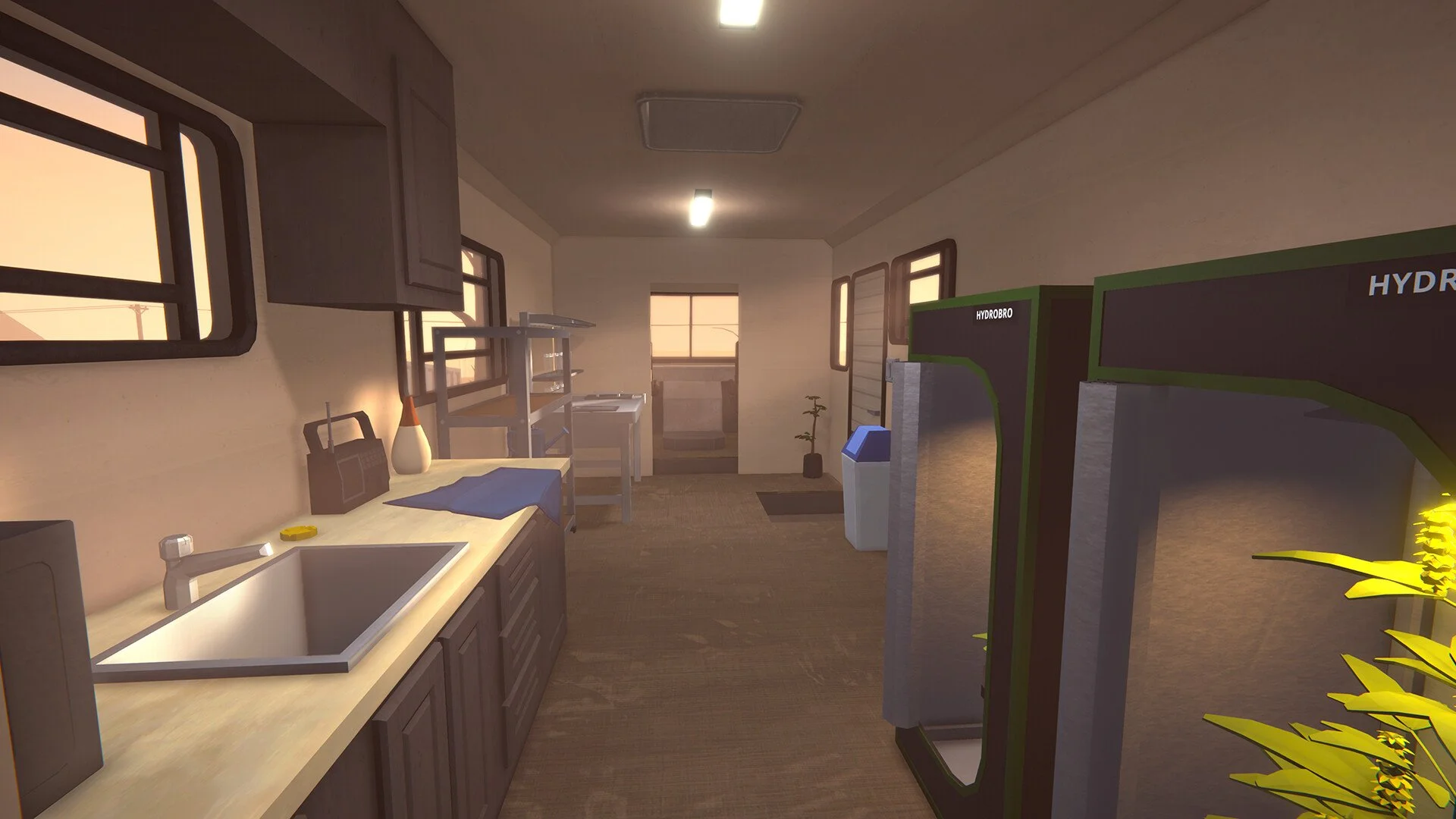
Image Credit: TVGS, Schedule I
Note: This guide covers content from Schedule 1, a satirical video game set in a fictional world. All items, recipes, and references are entirely made up and exist only in the game. Please don’t try any of this in real life.
Trying to shift your grow tents or reorganize your setup? Moving furniture in Schedule 1 isn't obvious at first, but it's easy once you know what to do.
Read More: Schedule 1 Tips and Tricks
Step 1: Clear Your Hands
Make sure you're not holding anything. Select an empty hotbar slot before trying to move anything. If you’ve got a watering can, product, or tool in hand, it won’t work.
Step 2: Right-Click to Pick Up
Hover your mouse over the furniture you want to move and hold the right mouse button. If the item is empty (like a shelf with nothing on it), it’ll go back into your inventory automatically.
Step 3: Empty It First If It Won’t Move
Furniture with stuff still inside (like a shelf full of jars) might not be able to be picked up. Clear it out first, then try again. If nothing happens when you hold right-click, check for hidden items.
Step 4: Place It Again
Once it's back in your inventory, you can place it anywhere like normal. Use the scroll wheel to rotate before you place it.
Final Blurb
It’s not fancy, but it works. Clear your hands, empty the furniture, right-click to pick it up, and redecorate however you want. Just pretend you’re an interior designer with a side hustle.
Recommended | View all Schedule I


