

Schedule 1: How to Fix “Can’t Play with Friends”
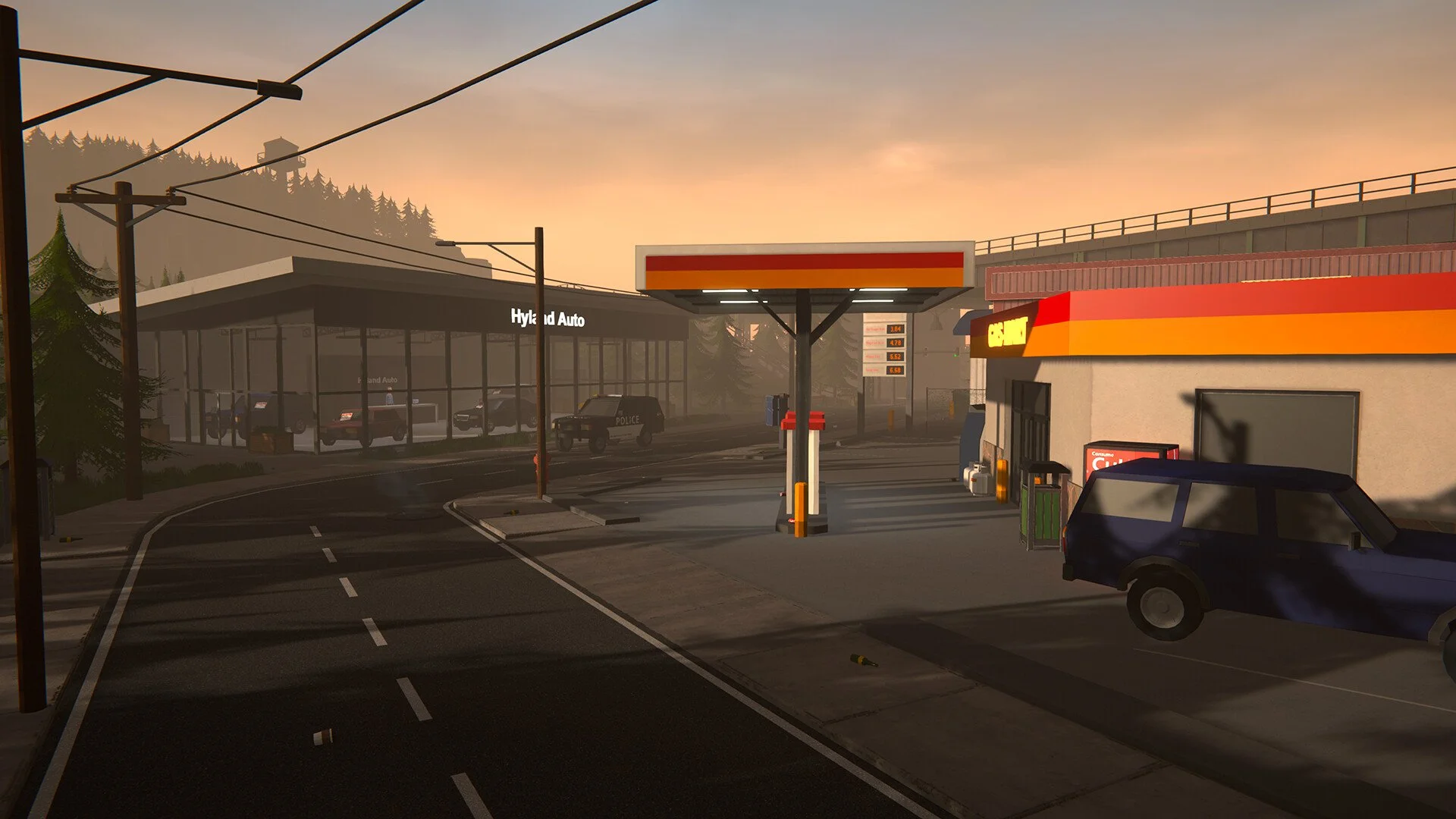
Image Credit: TVGS, Schedule I
Note: This guide covers content from Schedule 1, a satirical video game set in a fictional world. All items, recipes, and references are entirely made up and exist only in the game. Please don’t try any of this in real life.
Alright, so you and your buddy downloaded Schedule 1 thinking you'd be doing crimes together in 5 minutes. But now you're stuck. You're yelling “Why can’t I join you?” while he's watching a cutscene alone and pretending it’s fine. Here’s how to fix it and play with your friend(s).
Read More: Schedule 1 Tips and Tricks
First, You Gotta Suffer Together
You can’t just hop in and start the game together. That would be too easy. Instead:
Start a new game together.
Play through the entire prologue together.
This part is not optional.
If one of you skips ahead or finishes solo, it breaks the whole flow.
Stick close and don’t go too far apart.
The game likes it when you act like actual partners in crime.
Once you’ve both finished the prologue in the same session, the rest of the game opens up and lets you stick together like glue.
If You Didn’t Do That… Start Over
If you already finished the prologue alone, you’re out of luck. The game won’t let someone else jump into your story.
Either:
Have your friend start fresh and join you before the prologue starts
Or both of you restart from scratch and cry a little
Final Blurb
Think of the prologue like a weird first date. If you don’t go through it together, the relationship just won’t work. But once you're past that awkward intro, it’s full-on co-op chaos from there.
Play together, mess up together, and maybe—just maybe—you’ll make it to the credits without rage-quitting.
Recommended | View all Schedule I


