

Schedule 1: How to Open and Unpack a Jar
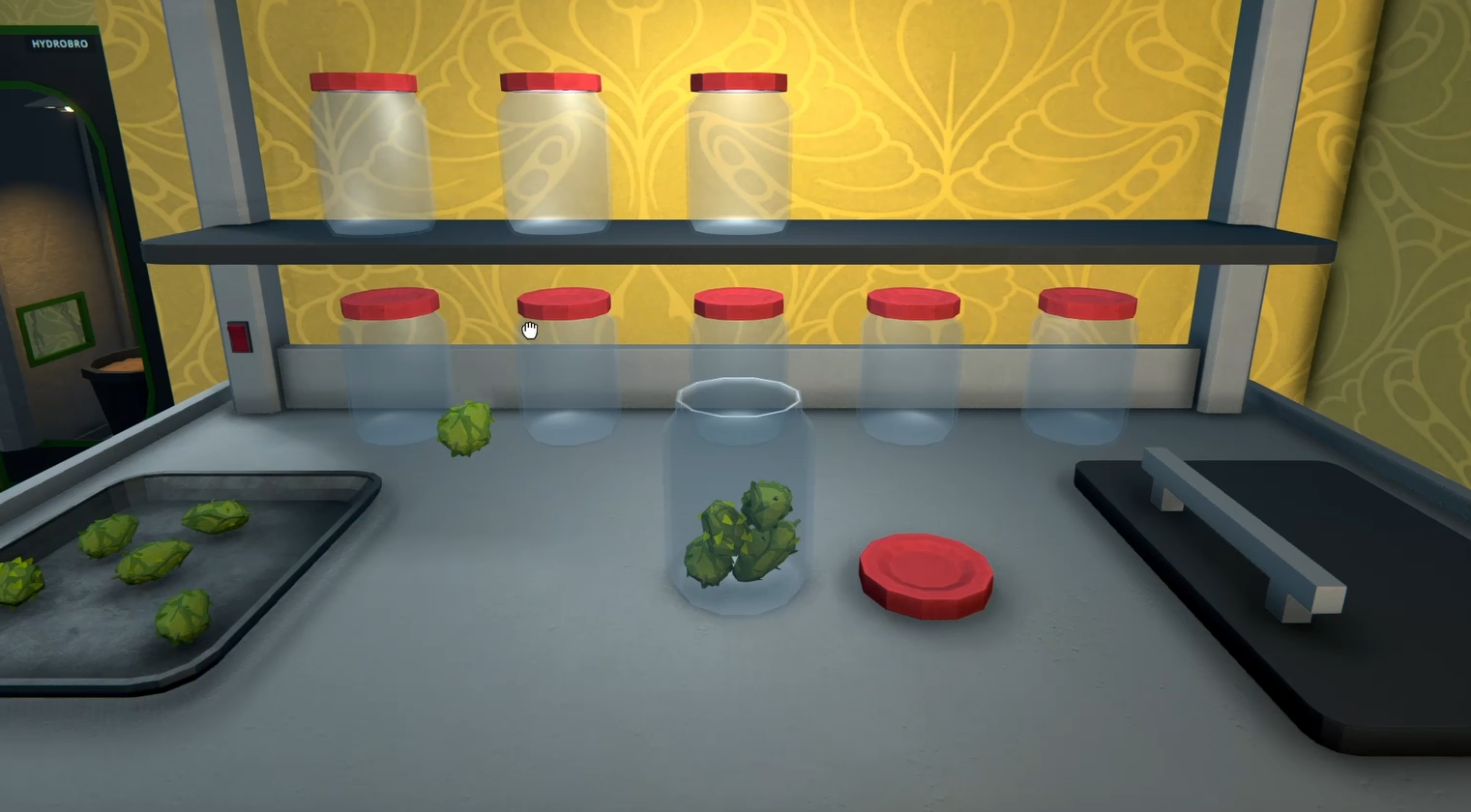
Image Credit: TVGS, Schedule I
Note: This guide covers content from Schedule 1, a satirical video game set in a fictional world. All items, recipes, and references are entirely made up and exist only in the game. Please don’t try any of this in real life.
So you packed your precious goods into a jar or a bag. Great. But now you want it out of the jar. And the game just stares back at you like, “Why would you do that?”
Here’s how to use and open the jar, because Schedule 1 wasn’t gonna tell you.
Read More: Schedule 1 Tips and Tricks
Step 1: Go to the Packing Station
That little table where you first packaged your stuff? Yeah, that’s the only place where you can undo it.
Walk back to the packing station
Make sure the station is empty
If it’s got other junk in it, clear it out first
Step 2: Drop the Jar or Bag
Drop the jar (or bag) into the station
You’ll see a blue arrow button that normally says "Pack"
Click it
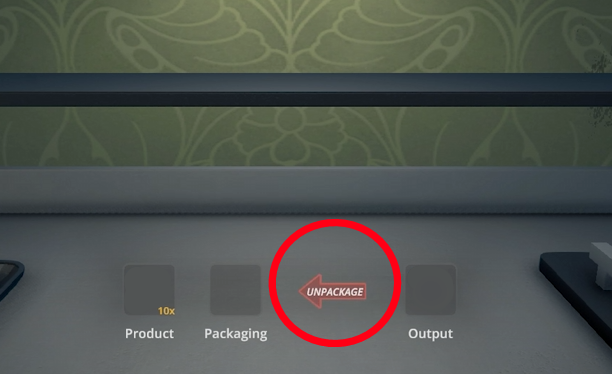
If you did it right, the button will turn red and say “Unpack” instead. That means you’re in business.
Now your goods are free again and ready to be mixed, sold, or admired lovingly.
Troubleshooting
Can’t click the arrow?
Double-check that there’s nothing else in the station
Only one thing at a time, no multitasking here
Still not working?
Maybe try turning it off and on again. Or scream quietly.
Final Blurb
The jar’s great until you realize it’s basically a tiny prison. Thankfully, the packing station is the key to jailbreak your goods. Just don’t forget: red means unpack, blue means oops you’re about to pack it again.
Now go unjar your stuff like a bawss.
Recommended | View all Schedule I


