How to Open and Reset Your Map in Path of Exile 2
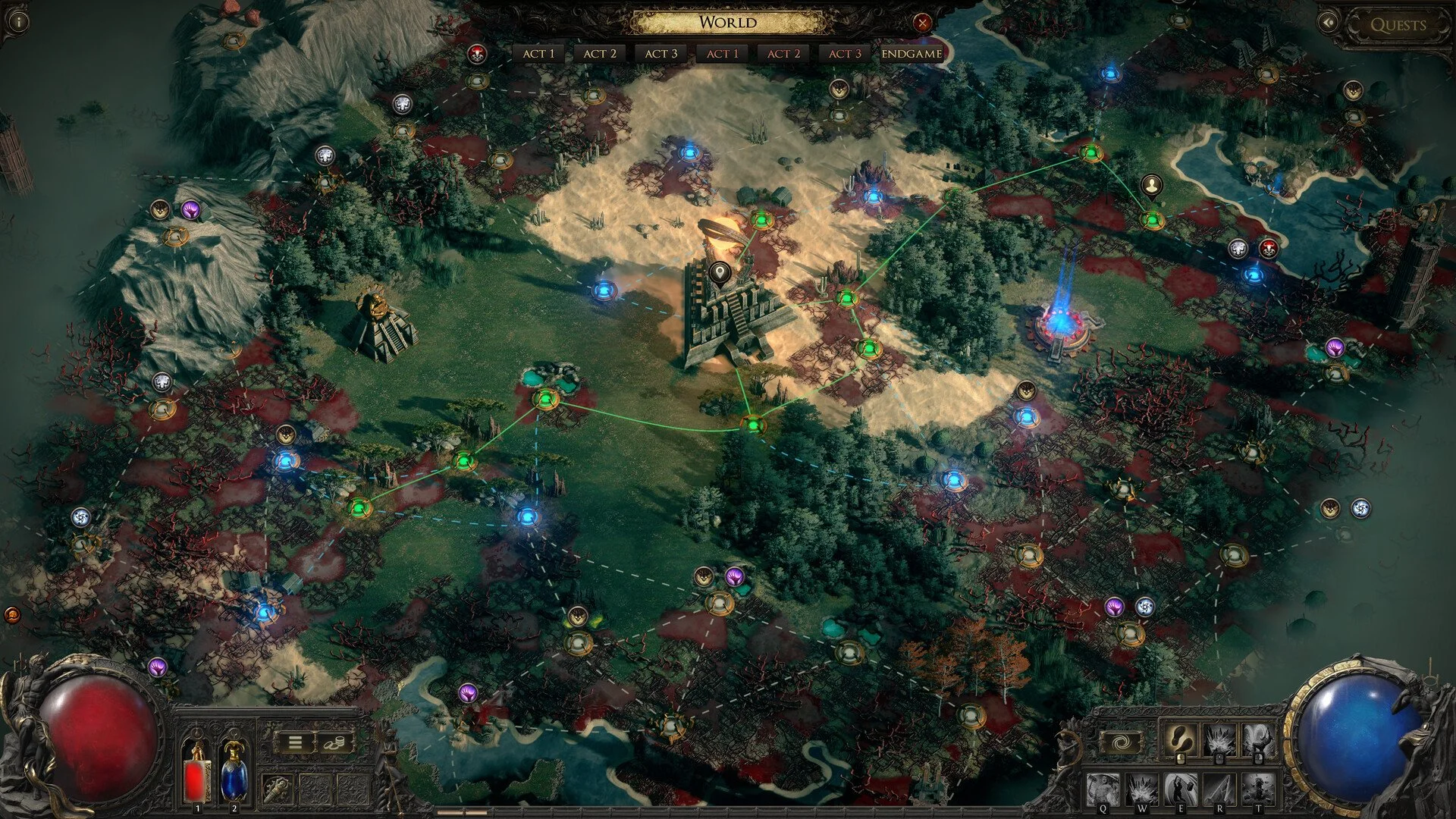
Image Credit: Grinding Gear Games, Path of Exile 2 (PoE2)
Using the map in Path of Exile 2 (PoE2) helps you find your way and explore the world. Here’s how to open and use it:
1. How to Open the Map
On PC: Press the Tab key to show the map over your screen (overlay map).
On Console: Press the View button on Xbox or the Touchpad on PlayStation to open the map.
2. Navigating the Map
Overlay Map: This map shows up on your screen while you play, letting you see your location without stopping.
Full Map: Press M on PC or the menu button on consoles to view a larger map of the whole area.
3. Using Waypoints
Fast Travel: Find and activate Waypoints during your adventure. These let you travel quickly between places you’ve already visited.
Resetting a Map:
On PC, hold Ctrl and left-click a Waypoint to reset the map instance.
On Xbox, press Y; on PlayStation, press Triangle while at the Waypoint.
And that’s all. Safe travels!
More Path of Exile 2 (PoE2)